The StudyMap Bible · Genesis, Ephesians, Philippians
Each chapter as one picture. Each verse as an iconum.
Open the whole Bible as one map, then go into a book. Tap a verse to see its iconum, read it in two languages side by side, and hear it read or sung. Three books are open today: Genesis, Ephesians and Philippians.
Free. Works on phone, tablet and computer. Install it from your browser to use it offline.
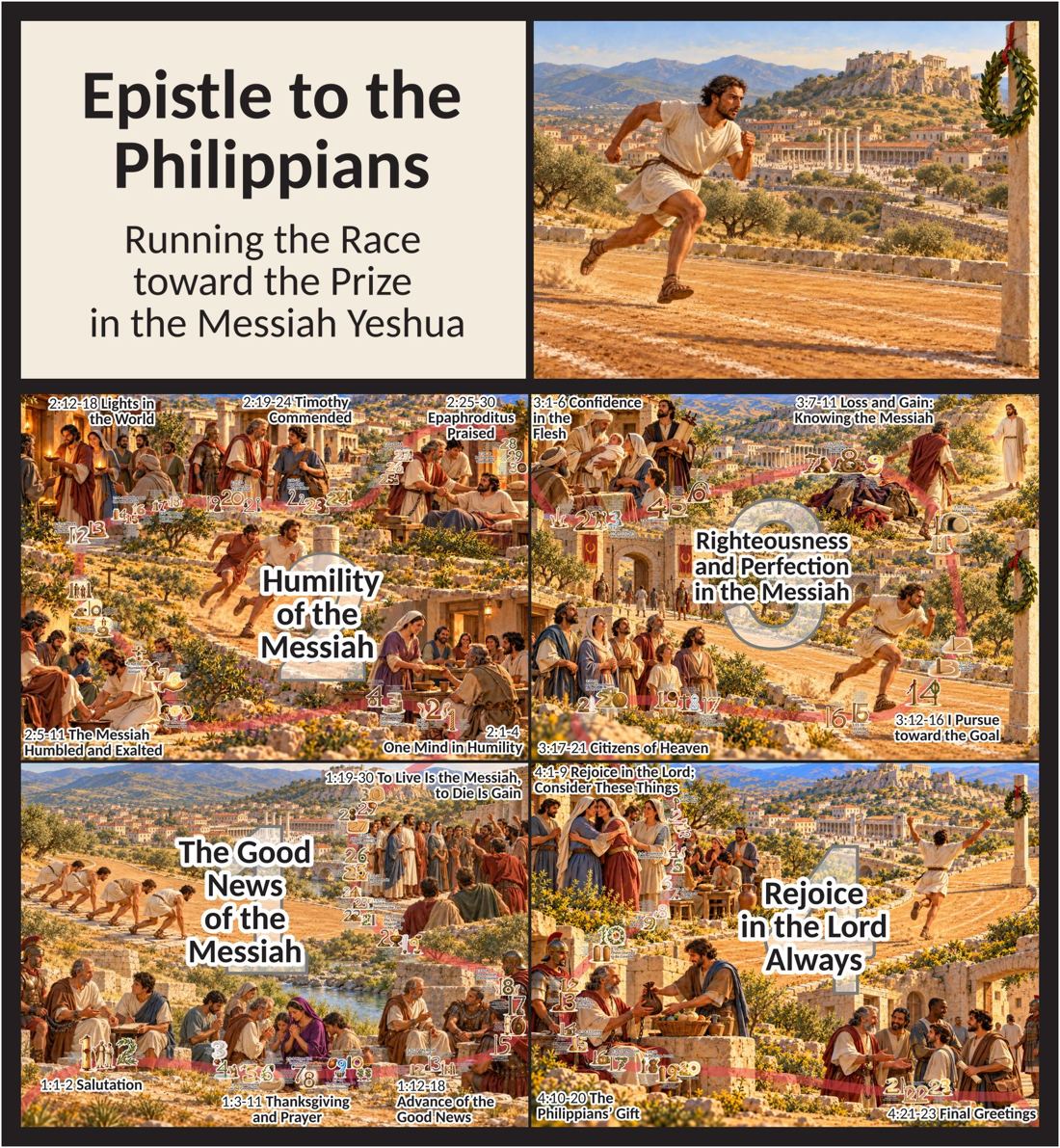
Three books to open now
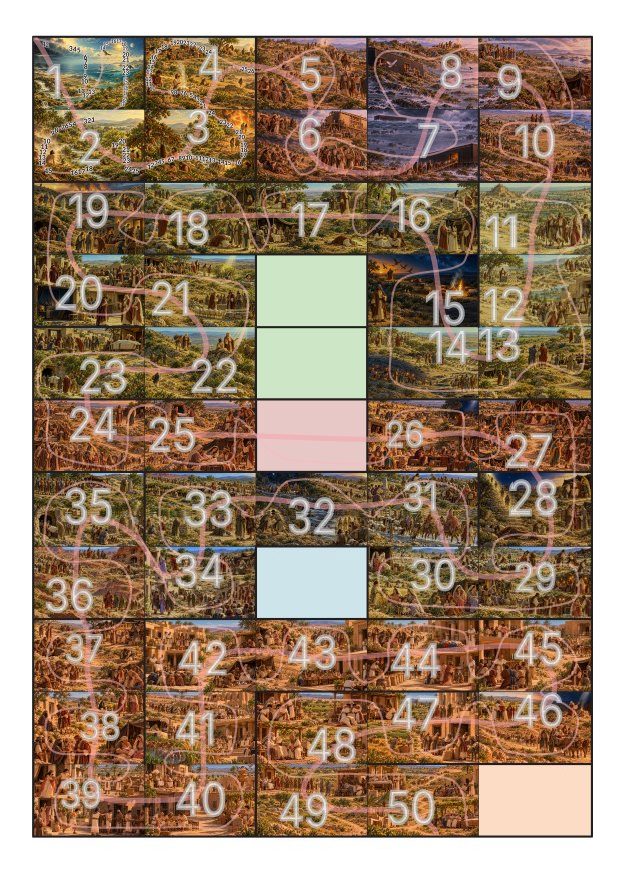
New · 50 chapters, 1533 verses
Genesis
Every verse has its iconum, explained in English, French, Hebrew and Arabic. Listen to the Hebrew read aloud while the verses follow, with a second language underneath. Greek text from the Septuagint.
Open Genesis →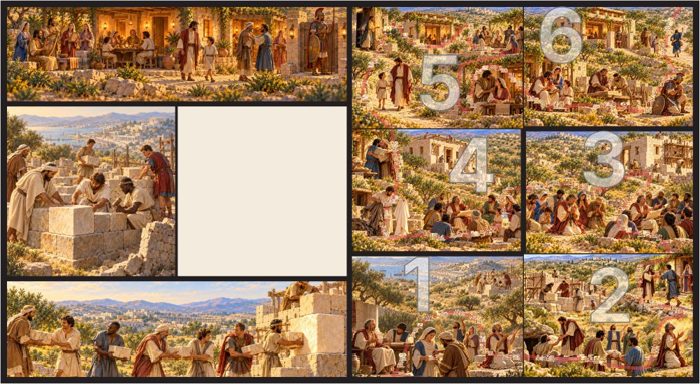
New · 6 chapters, 155 verses
Ephesians
Each chapter sung in English, French, Hebrew, Greek and Palestinian Arabic. Word-by-word help for the Greek and the Hebrew, and games to remember the letter.
Open Ephesians →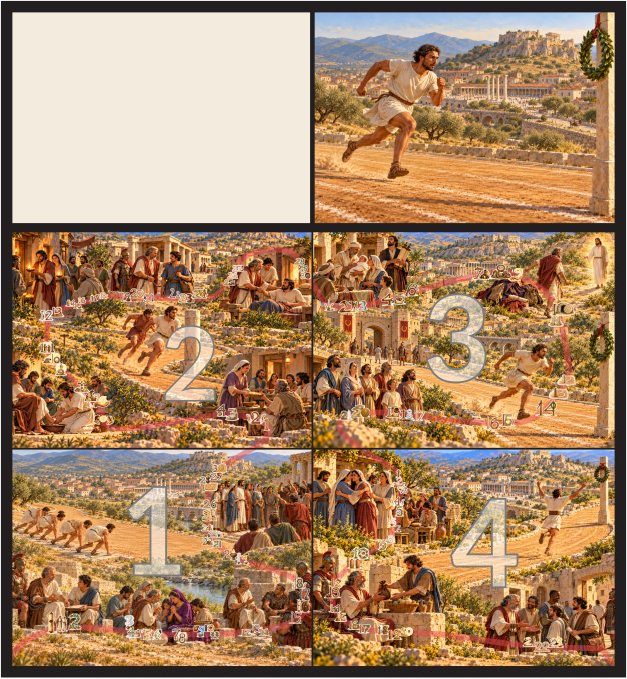
4 chapters, 104 verses
Philippians
The first book, and the fullest: sung in six languages, with an explanation, a meditation and a commentary for every verse, and games to remember, understand and live it.
Open Philippians →Joshua, Judges, Ruth, Acts, Romans, 1 and 2 Corinthians and Galatians are open as maps; their verses are on the way. Every other book is there as a classic map in English and French.
New · StudyMap Languages
Learn the languages of the Bible, and of Jerusalem
Palestinian Arabic, Standard Arabic, Hebrew, Koine Greek, English and French. Words by theme, word families, words that look alike, and the verses of the StudyMap Bible where each word occurs. Choose the language you know and the one you want to learn.
What is a StudyMap?
A StudyMap draws a whole text as one picture. Every verse gets a small drawing, an iconum, placed where it belongs in the flow of the text, so you see the structure before you read the details.
The method is taught in churches and pastoral training in Africa, Europe and the Middle East, and the Articles of Faith StudyMap has been translated into more than fifty languages.
Read more about the methodStudyMap Bible
Genesis, Ephesians and Philippians as interactive maps, in up to six languages. Every book of the Bible as a classic map in English and French.
Open the Bible →Resources
The StudyMap Gospels, The Living Word, Basic Christian Beliefs, the Ten Commandments, the Books of the Bible, the Local Church. Many languages, free to download.
Browse resources →Teaching
French sermons with StudyMaps, Biblical Hebrew, and recorded talks from Budapest (2017) and the German pastors' conference (2018), playable in the page.
Listen →A resource of the Church of the Nazarene
The Articles of Faith StudyMap
In 57 languages, with a teaching guide, a six-minute video and a template for new translations.
The book
Maps Beyond Geography explains the StudyMap method and how to make your own maps.
See the book on AmazonThe article
"Visual Learning with StudyMap Tools", Didache: Faithful Teaching, January 2009.
Read the article (PDF)